Heat pump AUX heat keeps running? Build a weather-and-setpoint record
Tell a normal cold-weather assist or defrost event from expensive backup-heat overuse without guessing at lockouts, staging thresholds, or refrigerant problems.
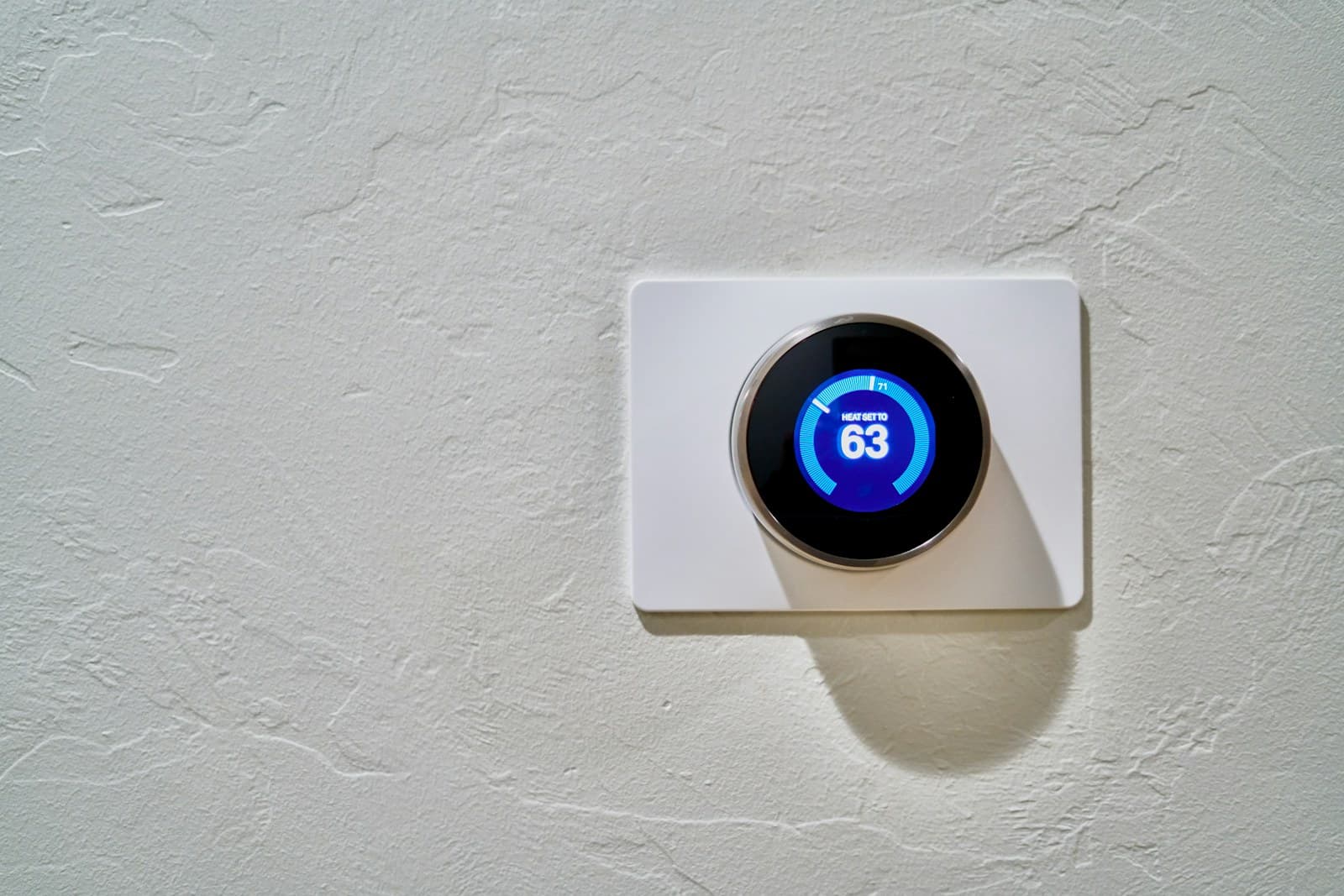
Auxiliary heat is the automatic backup stage that adds heat when a heat pump needs help meeting the thermostat’s target.
The AUX label alone is not a diagnosis. What matters is the load at that moment: weather, the gap between room temperature and setpoint, a possible defrost cycle, and whether the compressor is doing useful work.
The short answer
Auxiliary heat is a backup heat source that automatically supplements a heat pump when the compressor alone cannot meet the thermostat’s demand or while some systems defrost. It is not the same as manually selected emergency heat. Record outdoor temperature, room temperature, setpoint, recent setpoint change, AUX start and stop times, outdoor-unit behavior, filter condition, and electric use. Occasional AUX during colder weather, recovery from a large temperature change, or defrost can be normal. Long AUX runs in mild weather, no response to a lower setpoint, or a heat pump that is not running deserve qualified service.
Confirm AUX, not emergency heat
Photograph the thermostat screen and equipment status. AUX or auxiliary heat is normally an automatic supplement. Emergency heat is a manual mode intended to replace the heat-pump compressor when the primary equipment cannot operate. Lennox warns that emergency heat is different and should not become the everyday setting. If the thermostat says EM HEAT, find out who selected it and why before changing anything during a no-heat or freeze-risk situation.
Log the conditions around each call
For at least several ordinary heating cycles, record outdoor temperature from a reliable local source, room temperature, setpoint, recent schedule change, AUX start and stop times, and whether the home gains temperature. Add a photo of the outdoor unit from a safe distance. This turns “it runs all the time” into a pattern a technician can check. Do not invent one universal outdoor cutoff; heat-pump capacity, backup type, controls, house load, and installer settings differ.
Remove an avoidable recovery spike
Look for a deep overnight setback or a large manual setpoint jump immediately before AUX appears. Lennox lists large temperature changes as a reason auxiliary heat may engage. Try the thermostat maker’s recommended heat-pump schedule rather than repeatedly raising the setpoint several degrees. Do not disable backup heat, freeze protection, compressor protection, or installer thresholds to chase a lower bill.
Check airflow and the outdoor unit without opening equipment
Inspect the accessible filter and replace it with the approved type if needed. Keep returns, supplies, and the outdoor unit’s required clearance free of household items, leaves, and drifting snow. Observe whether the outdoor fan runs, pauses briefly with steam or water during a possible defrost, or remains stopped. Do not chip ice, pour hot water on the coil, remove panels, or touch refrigerant lines and electrical parts.
Compare the run record with electric use
Use the utility’s daily or interval data when available and compare similar-weather days, not one bill total. Mark schedule changes, travel, space-heater use, and AUX events. Backup heat is generally more expensive to run than the heat pump, but the bill cannot prove which component failed. Call a qualified heat-pump technician for persistent AUX in mild weather, loss of temperature, repeated icing, new noises, a non-running outdoor unit, or AUX that does not respond when the setpoint is lowered to room temperature.
Put the guide to work
Field notes
- Normal-demand clue
- AUX appears during colder weather, after a sizable setpoint increase, or briefly while the outdoor unit defrosts, then drops out as the home catches up.
- Control clue
- AUX follows a repeatable schedule recovery or a thermostat threshold. Ecobee says staging and outdoor-temperature thresholds affect when its thermostats call for backup heat.
- Repair clue
- AUX stays on during mild weather, the home does not approach setpoint, the outdoor unit is silent or heavily iced, or the indicator ignores a lower setpoint. Preserve the record and call for service.
Common questions
Frequently asked questions
- Does the AUX light mean the heat pump is broken?
- No. Auxiliary heat can be normal during colder weather, recovery from a larger setpoint change, or a defrost cycle. The duration, weather, temperature response, and outdoor-unit behavior determine whether it needs attention.
- Are AUX heat and emergency heat the same thing?
- No. AUX is typically called automatically to supplement the compressor. Emergency heat is a manually selected mode that replaces normal heat-pump operation and should be used only under the system maker’s guidance.
- Should I change thermostat staging thresholds myself?
- Not by guess. Ecobee says its compressor and auxiliary thresholds affect equipment operation and advises checking the heat-pump manufacturer’s safe limits. Preserve the current settings and involve the installer when the correct value is unclear.
Make the next step useful
Put this guide on your home plan
Know when to call a professional. Stop if work involves active gas leaks, damaged service wiring, structural movement, unsafe heights, suspected contamination, or a problem you cannot confidently isolate.
Editorial review and sources
Reviewed by: Smart Homeowners Editorial Desk
Last reviewed: September 25, 2026
Original Smart Homeowners editorial; not adapted from a third-party article.