Smart Lights Turn On After a Power Outage? Fix the Restore Path
Separate the bulb's instant power-on state from a delayed app, hub, or automation command, then test one low-risk light without accidentally resetting it.
The short answer
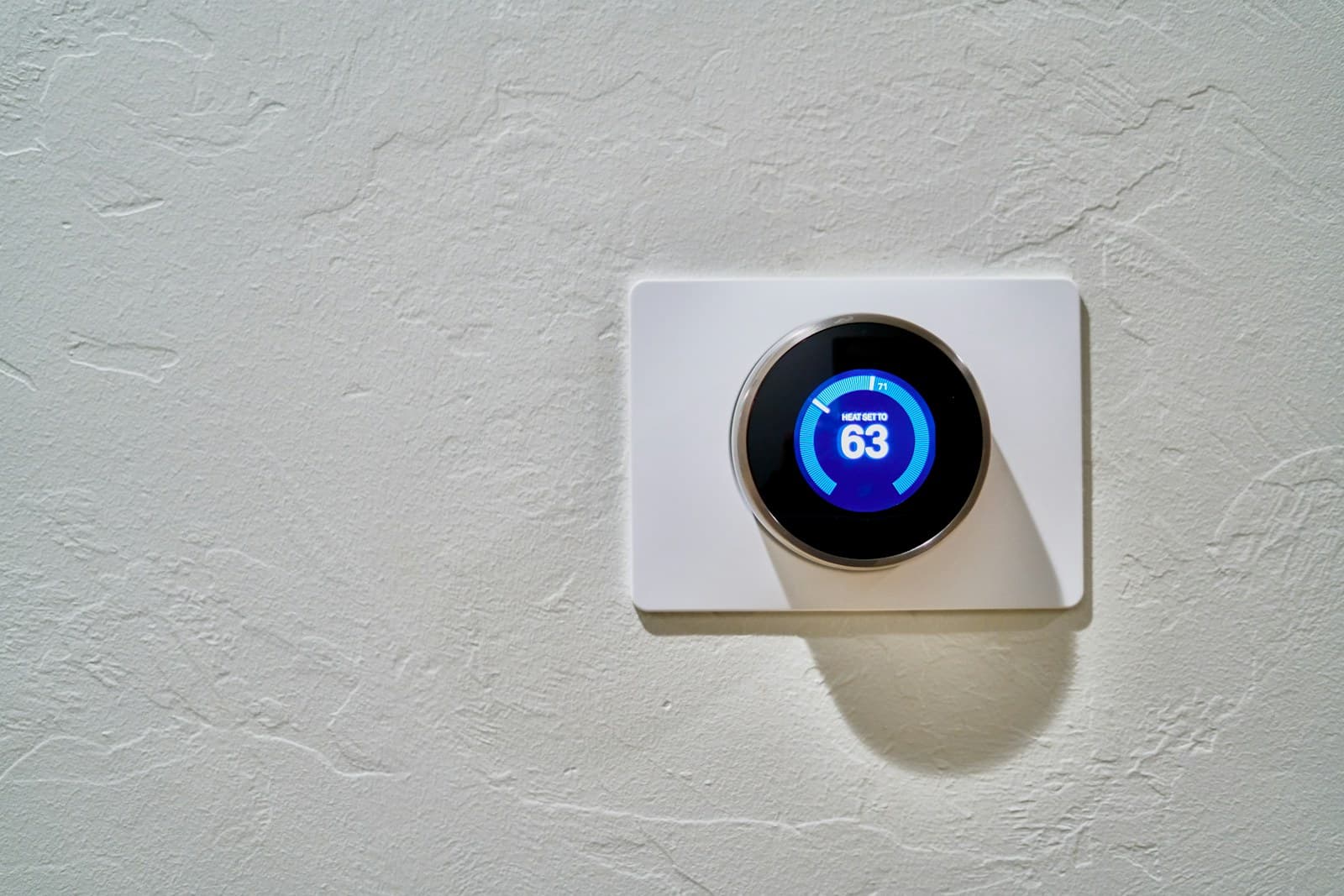
Power-loss recovery is the state a smart bulb, switch, strip, or plug chooses when line power returns. A light that comes on immediately is usually following device firmware or a saved power-on setting; a light that changes later may be receiving a schedule, scene, occupancy, hub, voice-platform, or cloud command after the network recovers. Record the exact model, firmware, physical-switch position, native-app setting, restart timeline and linked automations before changing anything. Test one low-risk light once in daylight. Do not rapid-cycle power because some products use repeated switching as a reset command. A supported recovery setting that works is configuration, not an electrical fault. Flicker, heat, odor, buzzing, arcing, a hot switch, visible damage, or a tripping breaker needs power shutoff where safe and qualified electrical help.
Power-loss recovery is what a smart lighting device does when electricity returns after an interruption. It is separate from reconnecting to Wi-Fi, Thread, Zigbee, a bridge, a home hub, or the cloud. That definition explains why a bulb can light before its app says it is online.
Timing is the fastest useful clue. Immediate light points to the device's own power-on behavior. A change after the router or hub returns points toward an automation path. Flashing setup colors, a missing device, or lost ownership points toward pairing or an accidental reset instead.
My view: do not use one global recovery policy for the whole house. Staying dark may be right for a bedroom; a known, modest light level may be better at an entry. Either way, keep an independent flashlight or listed emergency light. Smart lighting is not the only outage plan.
Cost and effort
Plan the practical side
| Moment | Record | Most useful interpretation | Next check |
|---|---|---|---|
| Before test | Device state, brightness/color, wall switch, app status, automations | Creates a known starting point | Save screenshots before editing |
| Line power returns | Instant state and any flash pattern | Device firmware or saved power-on behavior acts before the network | Check the exact model's native setting |
| Router/mesh ready | Time and internet/local-network status | Connectivity path is available | Do not judge third-party control before this point |
| Bridge or home hub ready | Time, indicator and native platform status | Hub-driven commands can resume | Check bridge/hub logs or app status if available |
| Native app controls light | Time and reported state | Manufacturer path is working | Test third-party platform only afterward |
| Light changes again | Time, trigger, brightness and color | A schedule, scene, sensor or duplicated automation may have acted | Disable one likely rule at a time |
| Device flashes or disappears | Pattern, app message and account status | Possible pairing/reset/offline problem | Stop cycling and use exact-model recovery instructions |
| Pattern | Likely layer | Evidence to collect | Do not assume |
|---|---|---|---|
| Every affected light turns on immediately | Default or saved device recovery state | Models, firmware, native power-on settings | The home platform sent one command instantly |
| Only one model family turns on | Model-specific behavior or firmware | Hardware revision and manufacturer documentation | All bulbs in the room share one capability |
| Lights wait, then turn on together | Scene, schedule, occupancy or hub automation | Network/hub recovery time and rule history | The outage damaged every light |
| A light flashes setup colors | Pairing or factory-reset state | Exact flash pattern and reset instructions | More power cycling will reconnect it |
| Native app works, voice app does not | Third-party integration or account path | Native state, linked account, hub status | The bulb needs factory reset |
| Light flickers, buzzes, heats or trips power | Electrical, fixture, dimmer, load or device fault | Fixture, switch, lamp rating, damage and circuit event | A recovery setting can make unsafe hardware safe |
| Physical smart switch is offline but load works | Switch connectivity/control path | Local button response, indicator, network status | Removing the switch or opening wiring is an app fix |
| Location | Reasonable design goal | Test condition | Independent fallback |
|---|---|---|---|
| Bedroom or nursery | Avoid full-bright surprise while preserving a simple manual path | Daylight, occupied household informed, one device | Reachable flashlight or listed night/emergency light |
| Stair or hallway | Predictable visibility without relying on cloud recovery | Daylight with another person and clear path | Battery light or flashlight; unobstructed handrail and route |
| Entry or exterior door | Enough known light to identify the route and lock | Normal local control plus outage recovery | Flashlight and visible house-number plan |
| Kitchen | Avoid unattended decorative loads; preserve safe manual task lighting | No cooking, wet work or appliance conflict | Flashlight kept away from the cooking surface |
| Vacation or empty home | Intentional occupancy simulation without duplicate rules | Review all platforms and time zones before leaving | Neighbor/contact plan and documented account access |
| Medical or accessibility route | A tested outcome that does not depend on one wireless service | Household-specific supervised drill | Dedicated backup appropriate to the person's needs |
| Choice | Planning signal | Use it for | Do not infer |
|---|---|---|---|
| Configuration-only correction | $0 product cost | Changing a supported native setting or disabling a duplicate automation | That time, compatibility or future firmware support has no value |
| Replacement smart bulb | Current local retailer/model quote required | Matching socket, voltage, fixture, dimmer compatibility, protocol and recovery feature | A low online price proves long-term support or the needed power-on behavior |
| Bridge, hub or backup networking | Current model-specific quote required | A documented local-control or recovery design | Buying another hub automatically fixes device firmware behavior |
| Electrician service call | $100–$200 first-hour service call in Angi's 2026 electrician cost guide | A national planning allowance when symptoms indicate fixture, switch, dimmer, wiring or circuit diagnosis | That diagnosis, parts, travel, emergency hours, permit or repair are all included |
| Larger smart-light replacement | Written line-item quote required | Devices, compatible controls, installation, account migration, disposal and testing | Every old device must be replaced because one model lacks a setting |
Separate power return from network return
Write a short timeline for one real outage or one controlled low-risk test. Start with electricity returning, then note modem/router, mesh, bridge, home hub, native app and third-party platform. A smart bulb receives line power before most of that stack is ready, so an instant on state cannot require a cloud automation. A later change can. This one distinction prevents a lot of unnecessary resetting.
- Use visible events
- Record the bulb state, known indicator lights and app readiness. Do not open electrical equipment or rely on a ping test you do not understand.
- Allow ordinary boot time
- Wait for the router and required bridge to stabilize before declaring the device offline. Different equipment starts at different speeds after the same interruption.
- Preserve the weird part
- If the light first turns on warm and dim, then switches to bright blue several minutes later, record both states. The second event is often the better automation clue.
Inventory the actual control chain
For each affected load, record bulb, strip, plug or in-wall switch; model and hardware revision; fixture and dimmer; physical switch position; connection protocol; bridge or hub; native app; shared home platform; voice assistant; and every schedule, scene, sensor and vacation rule. Mixed rooms are common. One fixture may have a smart bulb on a plain switch while another has a smart switch controlling ordinary lamps.
- Account ownership
- Record which household account owns the device and which accounts share control. A stale integration can send commands even when the main phone looks clean.
- Duplicate rules
- Look in the manufacturer app, Apple/Google/Amazon home platform, bridge software and any automation server. Two rules with similar names can act at different recovery times.
- Do not stack smart controls blindly
- A smart bulb on an incompatible dimmer or a switched outlet serving an unsuitable load is not corrected by another app setting. Follow fixture and device instructions.
Find the native power-on setting before changing automations
Open the manufacturer app and locate the exact device's power-loss, power-on, last-state or restore behavior. Save a screenshot of the current choice and firmware. Roku documents automatic-on and previous-state choices for supported products and notes that the menu can be absent on unsupported devices. TP-Link's general Kasa guidance says products retain settings, while the KL125 V4 release notes added a specific power-outage choice to keep the bulb off. Those examples prove why model and revision matter.
- No menu means no promise
- Do not copy instructions for a similar-looking device. Check the manual, release notes or support page for the exact model and region.
- Firmware cautiously
- Read release notes, keep stable power and network access during an approved update, and update one test device before a whole room. Do not interrupt firmware installation to test recovery.
- State includes more than on/off
- Where supported, record brightness, color temperature and color. Full-bright cold light at 2 a.m. is a different failure than a dim warm restore.
Run one daylight interruption without triggering reset
Choose a table lamp or other low-consequence device with a normal, approved switch. Tell the household. Put the light in a known state, remove power once, wait, then restore power once. Observe without touching the app. After the network stabilizes, check native control and the later timeline. Do not test during a storm, firmware update, cooking, security event, medical-device use or when darkness would make the route unsafe.
- No breaker test
- Do not cycle an entire circuit to test one lamp when its ordinary approved control can isolate it. Never operate an unlabeled, wet, hot or damaged panel.
- No rapid toggling
- Reset sequences are model-specific. Roku warns that three rapid off/on operations reset its Smart Bulb SE and remove preferences. Stop after the single planned cycle.
- Pass condition
- The light returns to the documented state, reconnects, remains controllable in the native app and does not receive an unexplained later command.
Trace a delayed turn-on through automations
If the immediate state is correct but the light changes later, compare the event time with sunrise/sunset rules, fixed schedules, occupancy sensors, home/away modes, vacation simulation, scenes, voice routines and hub-start automations. Disable one likely rule, repeat the single safe test and record the result. Do not delete every automation at once; that destroys the evidence and creates a larger rebuild.
- Check time and location
- After an outage, a hub or account can recover with a wrong time zone, stale location or delayed presence update. Verify those inputs before rewriting the rule.
- Watch startup automations
- Some local automation systems run rules when they restart or when a device becomes available. A command synchronized with hub readiness belongs to that layer, not the bulb's first electrical state.
- Use native control as the dividing line
- If the manufacturer app works but the voice or shared platform does not, troubleshoot the integration. Factory-resetting the bulb is usually premature.
Design recovery by consequence, not convenience
Pick a deliberate state for each room that the exact device can support. A bedroom may favor off or a very low warm state. A stair route may favor predictable illumination. Exterior lights may need a schedule checked for local time after the hub returns. Keep a flashlight or listed battery light available because any smart device, hub or account can fail. Do not represent consumer smart bulbs as code-required emergency lighting.
- Sleep versus egress
- There is no universal all-on or all-off answer. Record why the room uses its policy and test the fallback with the people who use the space.
- Accessibility
- For a person who depends on lighting for mobility, orientation or care, make the backup independent of one app and review it with the household or appropriate professional.
- Security
- Avoid an automation that leaves the home visibly lit for days or exposes occupancy patterns. Review vacation rules before departure and after any platform change.
Escalate electrical symptoms instead of app-tuning them
Unexpected on state after an otherwise normal outage is usually a configuration question. Persistent flicker, buzzing, heat, discoloration, a burning odor, arcing, visible damage or repeated breaker trips are electrical warning signs, not restore-setting symptoms. Stop using the affected light through its normal control and have a qualified electrician inspect the system. Do not open wiring, handle a hot device, bypass a dimmer, install a higher-wattage lamp or keep resetting a breaker.
- Service packet
- Provide the model, fixture, switch or dimmer, lamp rating, outage timeline, photos, circuit event and whether an ordinary non-smart lamp behaves normally only if that comparison can be made safely.
- Cost boundary
- Angi's 2026 guide lists a $100–$200 first-hour service-call fee as a national planning signal. Ask what diagnosis, travel, after-hours time, parts and repair include before using /tools#maintenance-reserve.
- Replacement boundary
- Replace a device when the manufacturer confirms unsupported behavior, it cannot meet the room policy, support has ended, or qualified diagnosis identifies a fault. Do not replace a whole ecosystem because one duplicate automation was active.
Save the final recovery map and rerun it after changes
Record the approved setting, firmware, expected immediate state, network path, fallback and test date for each important light. Repeat the low-risk test after replacing a router or hub, migrating accounts, changing platforms, installing new firmware or adding a major automation. Use /articles/quarterly-smart-home-privacy-audit to review household access at the same time.
- Keep a rollback note
- Before platform migration, save scene names, schedules, room assignments and device ownership. A screenshot is better than rebuilding from memory.
- One room first
- Apply changes to one representative room, observe a normal week, then roll them out. A mass edit hides device-specific exceptions.
- Outage drill
- Fold the lighting map into /articles/smart-home-outage-drill so router, hub, locks, sensors and lighting recover in an understood order.
Put the guide to work
Field notes
- Immediate state
- Record what the light does in the first seconds after power returns, before network services are ready. Include brightness and color, not only on or off.
- Delayed state
- Record router, bridge and hub readiness; native-app control; and the exact time a second change occurs. Compare that time with schedules, scenes and occupancy rules.
- Model boundary
- Power-on choices vary by model, hardware revision, firmware and connection method. A setting documented for Roku or one Kasa revision is not a promise for every smart bulb.
- Reset boundary
- Do not flick a wall switch repeatedly. Roku documents that three rapid off/on cycles can factory-reset its Smart Bulb SE. Other reset patterns differ.
- Related plan
- Use /articles/smart-home-outage-drill for the full outage sequence, /articles/mesh-wifi-node-offline-isolation-checks for network recovery, /articles/smart-plug-offline-after-router-change for changed Wi-Fi, /articles/smart-led-light-strip-flickering for persistent flicker, and /tools#maintenance-reserve for a priced repair.
Common questions
Frequently asked questions
- Why do smart lights turn on after a power outage?
- When line power returns, the bulb, strip, plug or smart switch follows its firmware default or saved power-on setting before Wi-Fi or a hub is ready. If it turns on later, a schedule, scene, occupancy rule, hub or cloud platform may be sending the command after reconnecting.
- How do I stop smart bulbs from turning on after a power outage?
- Check the exact model's native app for a power-loss or power-on behavior and confirm the firmware and hardware revision support the choice you want. Test one low-risk light once. If the first state is correct but it changes later, inspect automations rather than factory-resetting the bulb.
- Why do my smart lights turn on several minutes after power returns?
- A delayed change often lines up with the router, bridge, home hub or cloud account returning. Record those readiness times and compare them with scenes, schedules, sensors, vacation modes and startup automations. Disable one likely rule at a time.
- Do all smart bulbs remember their last state after an outage?
- No. Recovery behavior varies by brand, model, hardware revision, firmware and connection method. Some support last state, off or a chosen brightness; others expose fewer choices. Use exact-model documentation rather than instructions for a similar product.
- Can flipping a smart bulb switch reset it?
- Yes, some products use a repeated off/on pattern for factory reset. Roku, for example, warns that three rapid cycles reset its Smart Bulb SE. Reset patterns differ, so avoid repeated switching and follow the exact product instructions.
- Why is my smart bulb flashing after a power outage?
- A setup-color or repeated flash pattern can mean pairing mode, an accidental reset, lost network configuration or a device fault. Record the exact pattern, stop cycling power and use the model's recovery instructions. Heat, odor, buzzing or electrical flicker requires a different safety response.
- Should bedroom smart lights stay off when power returns?
- Often that is the least disruptive preference, but the right choice depends on the household and what the device supports. Stairs, exits and accessibility routes may need a different plan. Keep an independent flashlight or battery light rather than relying on one universal smart-light setting.
- Do I need an electrician when lights act strangely after an outage?
- Use an electrician for persistent flicker, buzzing, heat, discoloration, burning odor, arcing, damaged switches or fixtures, water exposure, or a tripping breaker. A clean immediate on state with no electrical symptom is more likely a configuration issue and can start with exact-model support.
- Should I reset every smart light after an outage?
- No. First wait for the network and hub, test native-app control and build the timing record. A factory reset removes preferences and can create account, scene and automation work without changing an unsupported power-on default.
Make the next step useful
Put this guide on your home plan
Know when to call a professional. Stop if work involves active gas leaks, damaged service wiring, structural movement, unsafe heights, suspected contamination, or a problem you cannot confidently isolate.
Editorial review and sources
Reviewed by: Smart Homeowners Editorial Desk
Last reviewed: November 1, 2026
Original Smart Homeowners editorial; not adapted from a third-party article.
Source notes and limitations
- Upgrade selection: BetterTrack showed 2 current seven-day sessions versus 0 prior for this URL, tied for the strongest eligible article mover after excluding already upgraded pages. Fresh GSC through October 29, 2026 exposed no query/page row for this URL, so no impression claim is made.
- Search-demand proxy: configured web search for 'smart lights turn on after power outage' returned this SmartHomeOwners URL at position 1 and dedicated community/help results below it. Competitor clicks and query volume are UNKNOWN.
- Information gain: the prior 843-word guide separated immediate from delayed state. This update adds a timestamp worksheet, a model/firmware verification path, room-specific recovery policy, a no-reset test, cost and electrician boundaries, nine synchronized FAQs, and a durable outage map.
- Roku and TP-Link documentation supports the model-specific setting and reset warnings. Their behavior is not generalized to unsupported devices.
- Electrical Safety Foundation International identifies persistent flicker, buzzing, overheating, discoloration, burning odor, arcing and repeated breaker trips as wiring-hazard signs requiring electrician inspection; U.S. Fire Administration guidance says home electrical work should be done by a qualified electrician.
- Visible FAQ answers and FAQPage JSON-LD are generated from this single faqs array.
- Roku — Fix Smart Bulb, Smart Light Strip, or Smart Plug Power Issues
- Roku — Control Smart Lights and Plugs Without the App
- TP-Link — General Questions About Kasa Smart Home Products
- TP-Link — KL125 V4 Firmware Release Notes
- TP-Link — Connect or Reconnect a Kasa Light Bulb
- Electrical Safety Foundation International — Home Wiring Safety Tips
- U.S. Fire Administration — Electrical Fire Safety
- Ready.gov — Power Outages
- Angi — Electrician Cost to Hire (2026 Data)