Smart thermostat offline but still working? Keep control separate from connectivity
A thermostat can continue local temperature control while its app loses contact. Check local operation, account status, Wi-Fi scope, and power symptoms in that order.
The short answer
If the wall thermostat still controls heat or cooling, preserve that local function while you diagnose the app and network. Confirm whether other devices are offline, check the thermostat's own network status, and restart only the network components the manufacturer names. A blank or rebooting display, repeated HVAC breaker trip, water, burning odor, gas odor, or loss of heating in dangerous weather is an HVAC or emergency problem, not a Wi-Fi fix.
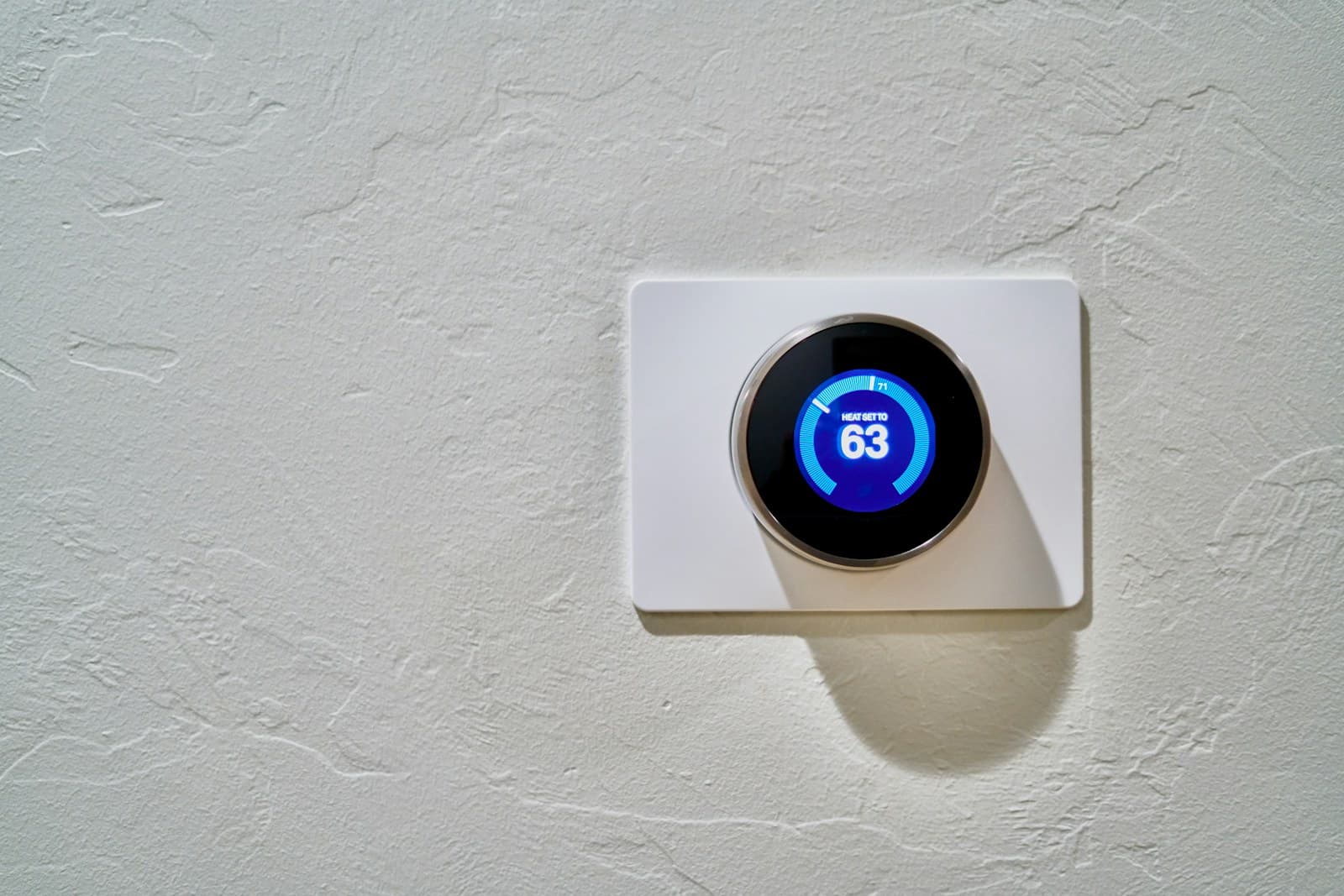
“Offline” describes the remote connection, not necessarily the heating or cooling system. Many thermostats keep their local schedule and manual controls when Wi-Fi or a cloud service is unavailable.
That distinction matters. Pulling the thermostat from the wall or changing wires can turn a manageable account or router problem into a no-heat call.
Protect local temperature control
At the wall, note the mode, setpoint, room temperature, and any code. Make one ordinary manual change and wait through the equipment's protective delay. If the thermostat controls the system locally, return to a safe normal setting and leave wiring and HVAC panels alone.
Check the scope of the outage
See whether phones have internet and whether other smart devices on the same network are offline. Check the thermostat vendor's service status if available. One offline thermostat with a healthy network suggests device, signal, account, or power trouble; many offline devices suggest the network.
Read the thermostat's own network screen
Use the model manual to view signal, network name, IP status, or error code without deleting the connection. Confirm the router name and password were not changed. Do not disable router security or create an open network as a test.
Restart the network before re-pairing
Follow the router vendor's documented restart sequence and let it finish. If the thermostat reconnects, observe it through a full HVAC cycle. If it repeatedly drops while its display also reboots or dims, stop treating the problem as Wi-Fi and arrange HVAC service for a power diagnosis.
Preserve account access
Confirm the correct household account, home, device assignment, and multi-factor authentication. Do not remove the thermostat from the app until you know who owns the device and can add it back. A transferred home, installer account, or old email can make deletion hard to reverse.
Escalate the correct layer
Give vendor support the model, firmware, error, router model, signal reading, outage scope, and steps tried. Give HVAC service the power and equipment symptoms instead. My view: if local control works, fixing remote access is not worth risking a working heating system by touching wires.
Put the guide to work
Field notes
- Local control
- Screen on or blank; current temperature; manual setpoint change accepted; equipment responds after its normal delay.
- Connectivity
- App status, thermostat network message, other devices affected, recent router name or password change, and service-status notice.
- Stop
- Gas odor, CO alarm, smoke, burning smell, water near equipment, damaged wiring, repeated breaker trip, or unsafe indoor temperature.
Make the next step useful
Put this guide on your home plan
Know when to call a professional. Stop if work involves active gas leaks, damaged service wiring, structural movement, unsafe heights, suspected contamination, or a problem you cannot confidently isolate.
Editorial review and sources
Reviewed by: Smart Homeowners Editorial Desk
Last reviewed: September 17, 2026
Original Smart Homeowners editorial; not adapted from a third-party article.