Thermostat screen blank? Find where the power stopped
A dark display usually means lost power, but that power may come from batteries or the HVAC system. Check the model, batteries, external switches, breaker position, and visible water before replacing the thermostat.
The short answer
Identify the thermostat model and power source first. Replace batteries only when the manual calls for them, confirm ordinary external HVAC switches have not been turned off, and observe the breaker without repeatedly resetting it. Water near the indoor unit, a recurring trip, burning odor, damaged wiring, or a screen that remains blank after approved checks belongs with qualified HVAC or electrical service.
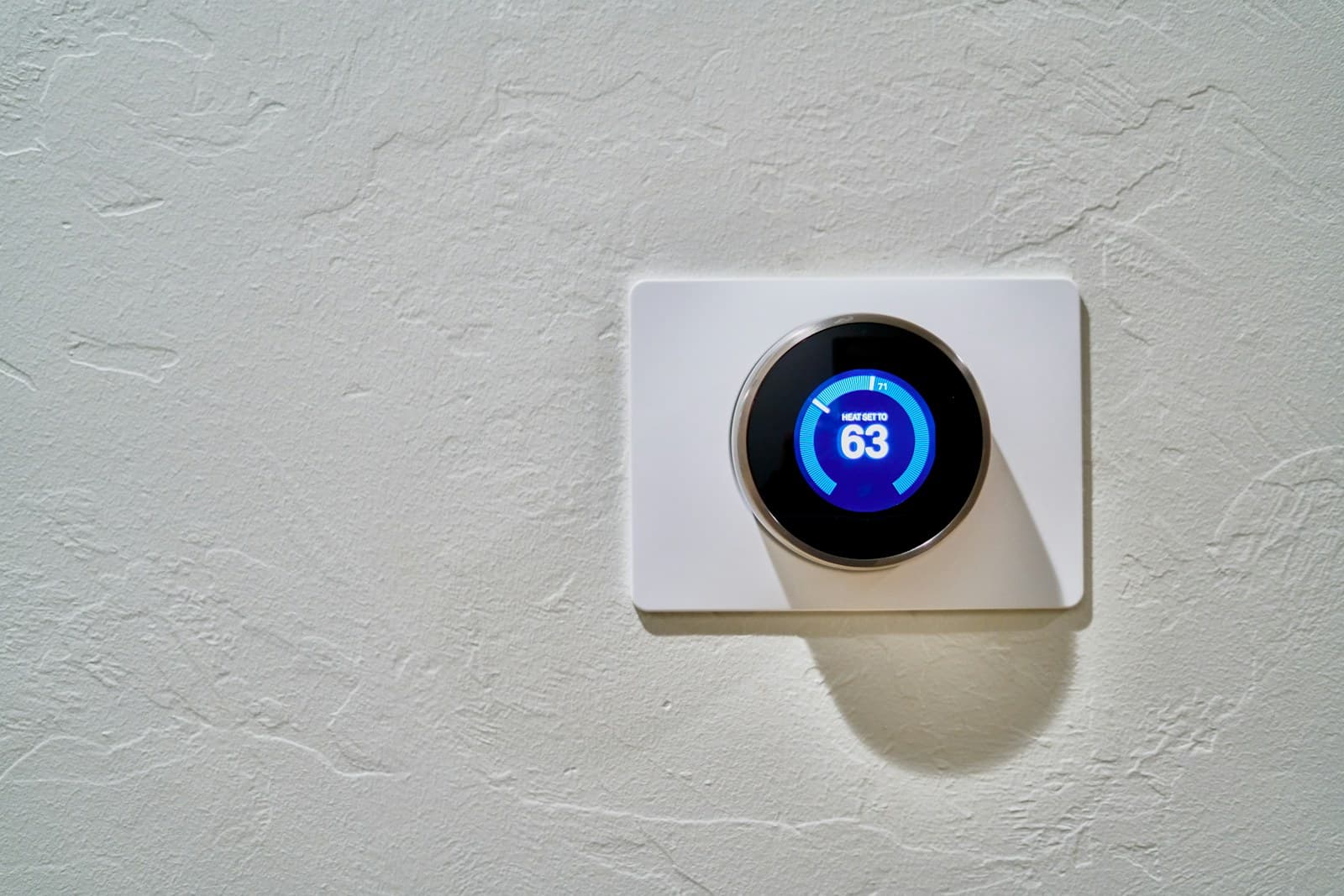
A blank thermostat screen is usually a power clue, not proof that the wall unit has failed. Battery-powered models can go dark when their cells die. Hardwired models depend on the furnace or air handler, and a switch, breaker, equipment safety control, transformer, wiring fault, or internal failure can interrupt that supply.
Buying a new thermostat before finding the lost power can produce the same blank screen on a new device. Start with what changed and what the model manual allows you to check from outside the equipment.
Record the failure before changing anything
Photograph the blank screen and note the time, weather, room temperature, last normal operation, and any outage or maintenance. Check the thermostat app, if one exists, for an offline or power alert, but do not use remote commands to keep restarting the system. Confirm that the screen is truly blank rather than dim, asleep, or displaying a faint low-battery symbol. Use the model number from the face or accessible documentation; do not pull an unfamiliar thermostat off the wall just to hunt for it.
Use the model's battery procedure
Carrier and Trane both list dead batteries as a common cause of a blank display. If the owner manual says the thermostat uses replaceable batteries, follow its cover-removal, battery type, polarity, and restart instructions exactly. Look for leakage, swelling, or corroded contacts without scraping or applying chemicals. Stop if the cover resists, wires move with it, or damage is visible. If fresh specified batteries restore the screen, confirm the clock, schedule, mode, and setpoint before waiting through the model's normal startup delay.
Check the external power path without opening equipment
Look for an ordinary furnace or air-handler service switch that may resemble a light switch and verify it has not been turned off accidentally. If a user-removable access door was opened for a filter change, compare its visible seating with the manual, but do not remove a panel or defeat a door interlock. Check the labeled HVAC breaker position from a dry floor. Carrier includes a breaker check in basic troubleshooting; Trane warns that a tripped breaker can point to an HVAC problem. Do not reset a breaker that is hot, damaged, unlabeled, wet, or has tripped more than once, and never hold it on.
Look for a safety shutdown clue
A thermostat can lose control power because the HVAC equipment shut itself down. From outside the cabinet, note any water in the drain pan, around the furnace or air handler, or along a visible condensate route. Do not open a drain, bypass a float switch, clear tubing with pressure, or reach into the unit. Record visible external codes or lights without removing a cover. Water near electrical equipment, a recurring overflow, ice, soot, gas odor, or a carbon-monoxide alarm moves the job out of thermostat troubleshooting.
Restore settings once, then wait
If an approved battery or clearly accidental external-switch correction brings the screen back, select the normal heat or cool mode and a reasonable setpoint, then wait through the manufacturer's protective delay. Carrier notes that some systems wait at least 10 minutes before responding to protect equipment from short cycling. Do not keep changing modes, lowering the cooling target, or raising the heat target. Record whether the thermostat shows a call and whether the system responds. One clean observation is enough.
Hand off the power map instead of touching wires
Call qualified HVAC service when the screen remains blank, goes dark again, the breaker is tripped, the system has visible water, or the thermostat powers up but the equipment does not respond. Use a licensed electrician when the issue appears to involve damaged household wiring or the panel rather than the HVAC equipment. Do not move thermostat wires, install a jumper, replace a transformer or low-voltage fuse, or open a control board. My opinion: swapping the thermostat is the last first check. Give service the model, battery result, switch and breaker observations, app alert, recent work, water evidence, and the last normal cycle.
Put the guide to work
Field notes
- Thermostat
- Brand, model, battery type, hardwired or battery-powered if the manual states it, app status, and the last time the screen worked.
- Recent event
- Power outage, storm, filter change, service visit, construction, water near the indoor unit, or a breaker or switch that changed position.
- HVAC response
- Heat, cooling, and fan stopped together; equipment still runs; another zone works; or an external equipment light or code remains visible.
- Stop
- Burning odor, smoke, buzzing at wiring equipment, exposed or damaged conductors, wet electrical components, repeated breaker trip, or unusual heat.
Make the next step useful
Put this guide on your home plan
Know when to call a professional. Stop if work involves active gas leaks, damaged service wiring, structural movement, unsafe heights, suspected contamination, or a problem you cannot confidently isolate.
Editorial review and sources
Reviewed by: Smart Homeowners Editorial Desk
Last reviewed: September 15, 2026
Original Smart Homeowners editorial; not adapted from a third-party article.